
New Year, New Scams: What We’re Seeing on Campus in 2026
Posted in: News

A new year often means fresh starts, new routines—and new scams.
Cybercriminals know that January is a prime opportunity. After winter break, inboxes fill back up, schedules get busy, and people are catching up on emails, tasks, and deadlines. Scammers take advantage of this distraction by sending messages that look urgent, familiar, or routine.
Here are a few scams we commonly see surge at the start of the year:
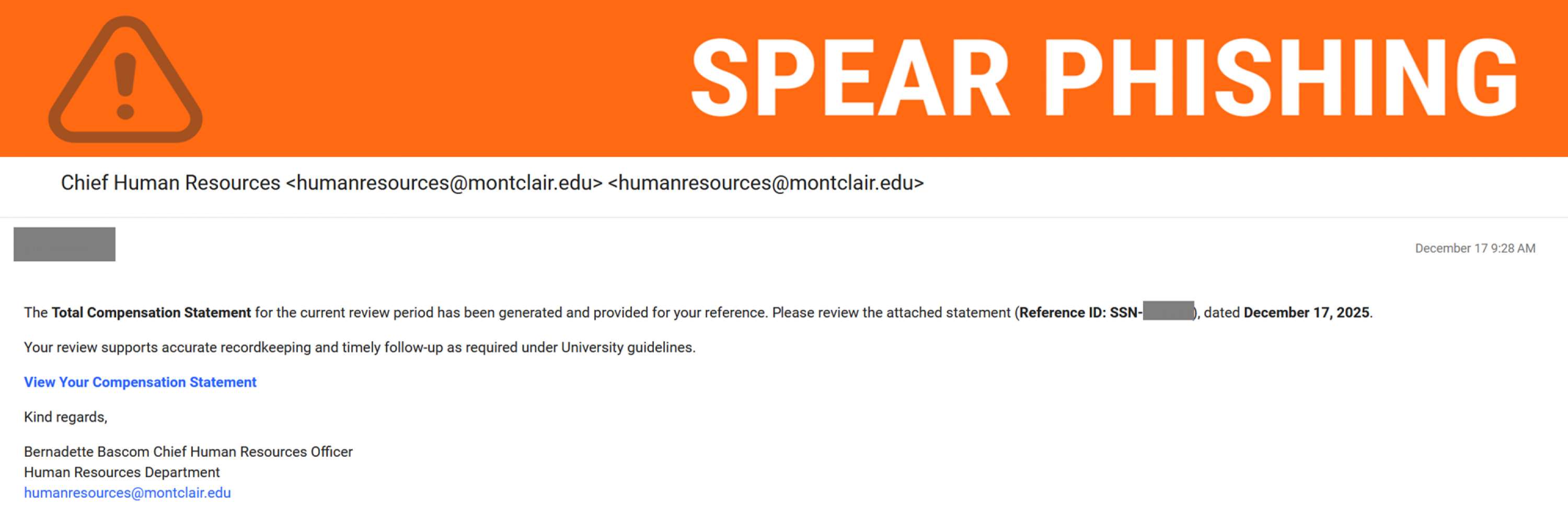
Fake HR & Payroll Messages
Emails claiming to be from Human Resources may ask you to review updated policies, confirm personal information, or access “new” payroll or benefits documents. These messages often include links designed to steal login credentials.
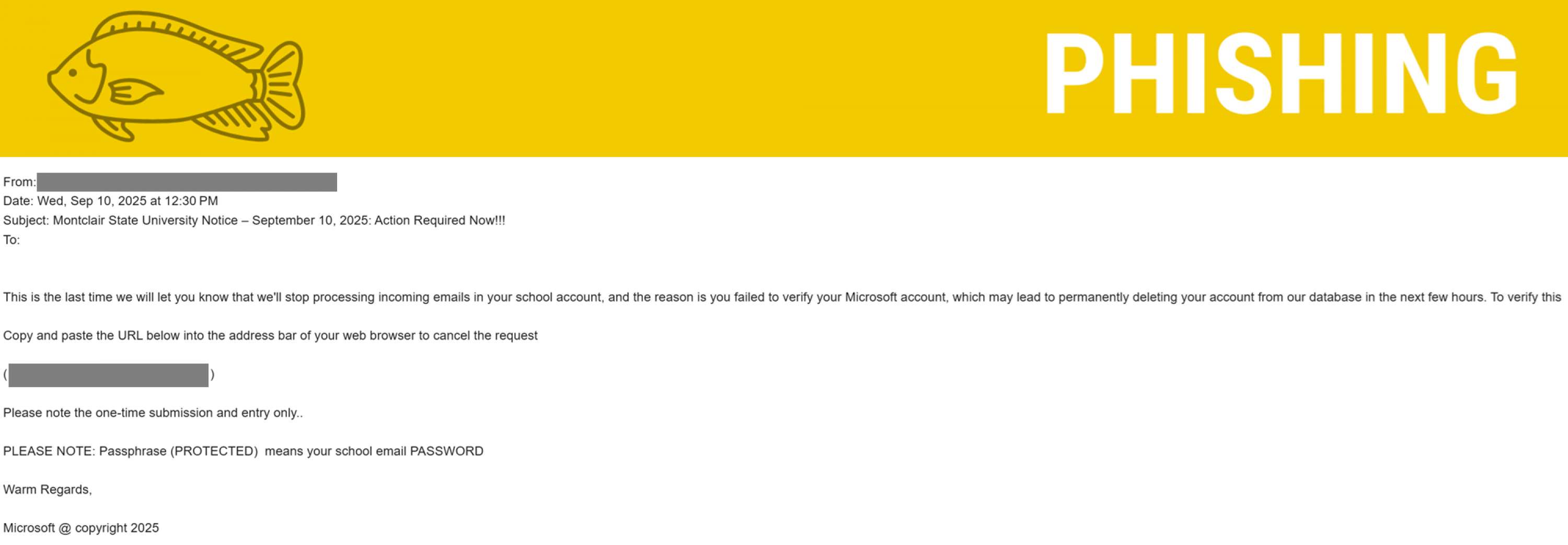
Account Alerts & Expiration Notices
Messages warning that your email, cloud storage, or Montclair account is “about to be disabled” or “requires immediate action” are meant to create panic. The goal is to get you to click before you think.
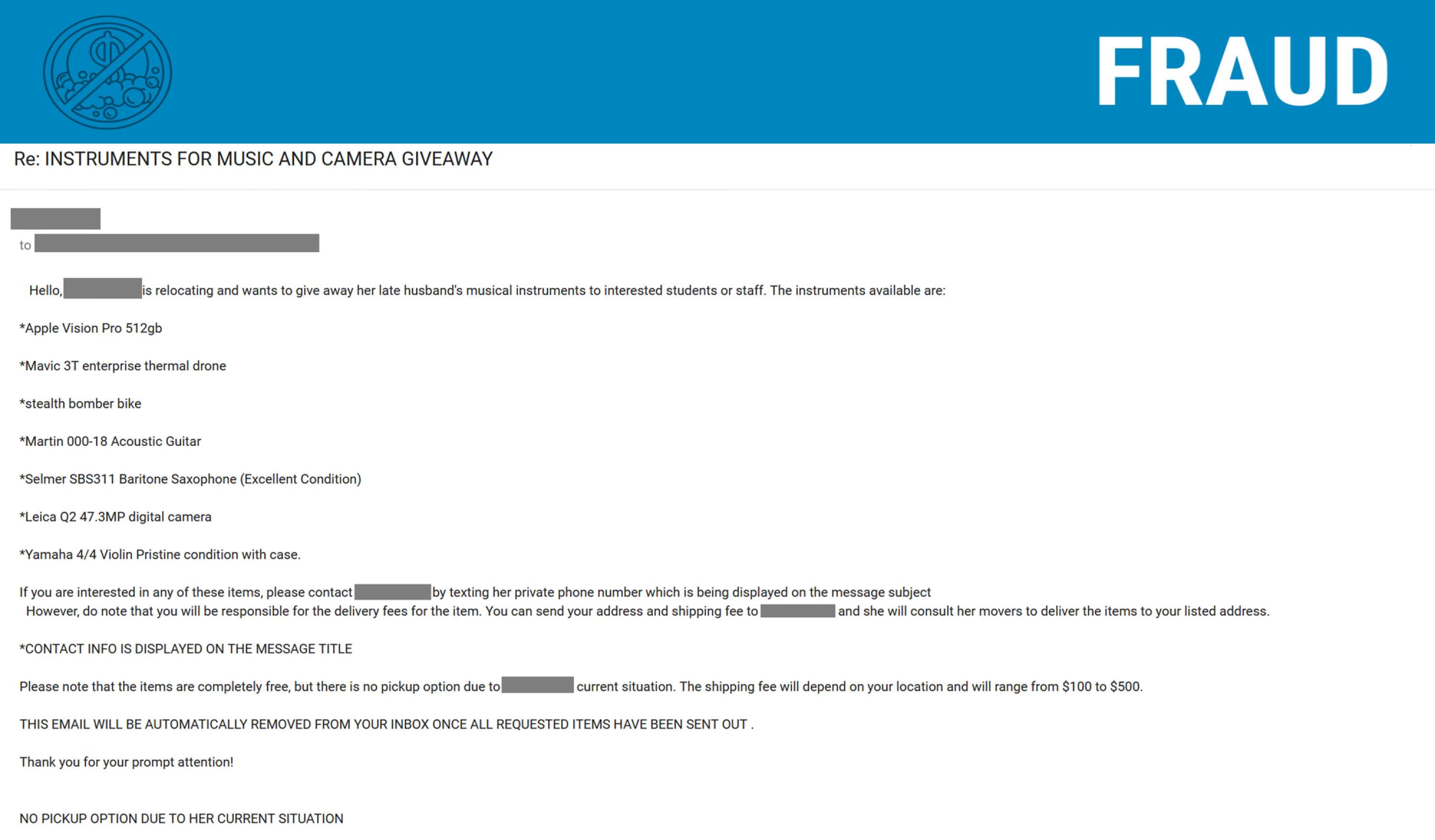
Giveaways & Financial Requests
Scammers may pose as faculty or staff offering expensive items for free. These messages often create a sense of urgency or ask for secrecy—both are major red flags to watch for.
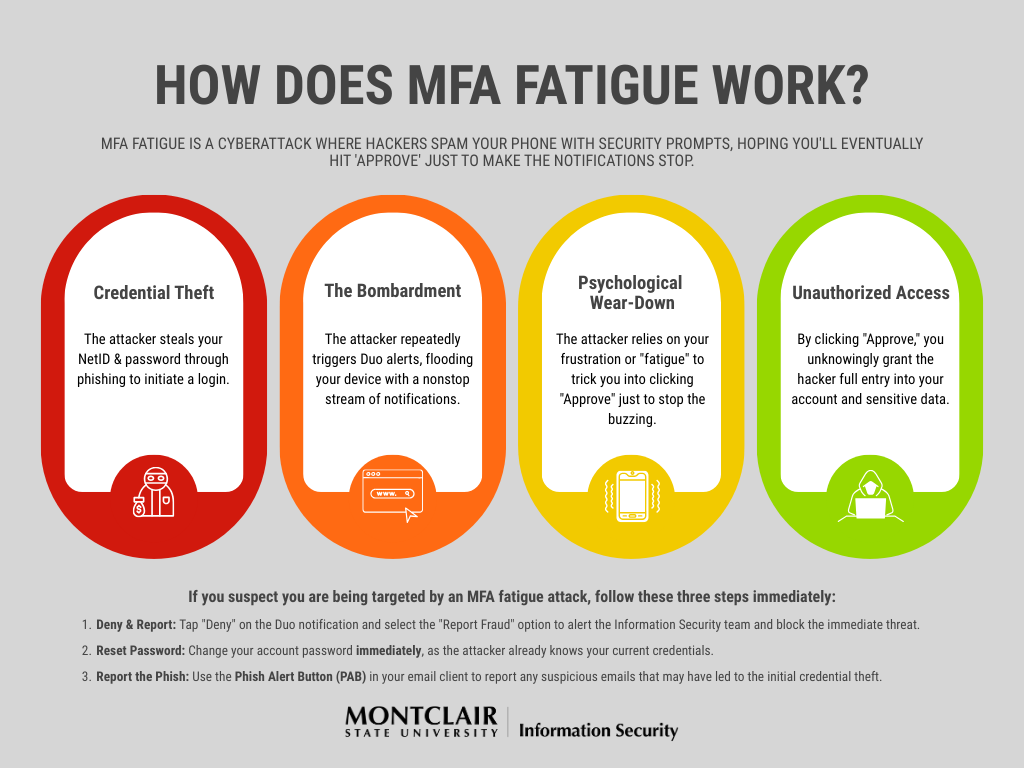
MFA Fatigue Attacks
Repeated Multi-Factor Authentication (Duo MFA) prompts you didn’t request may be an attacker trying to push their way into your account. Approving one by mistake can give them access.
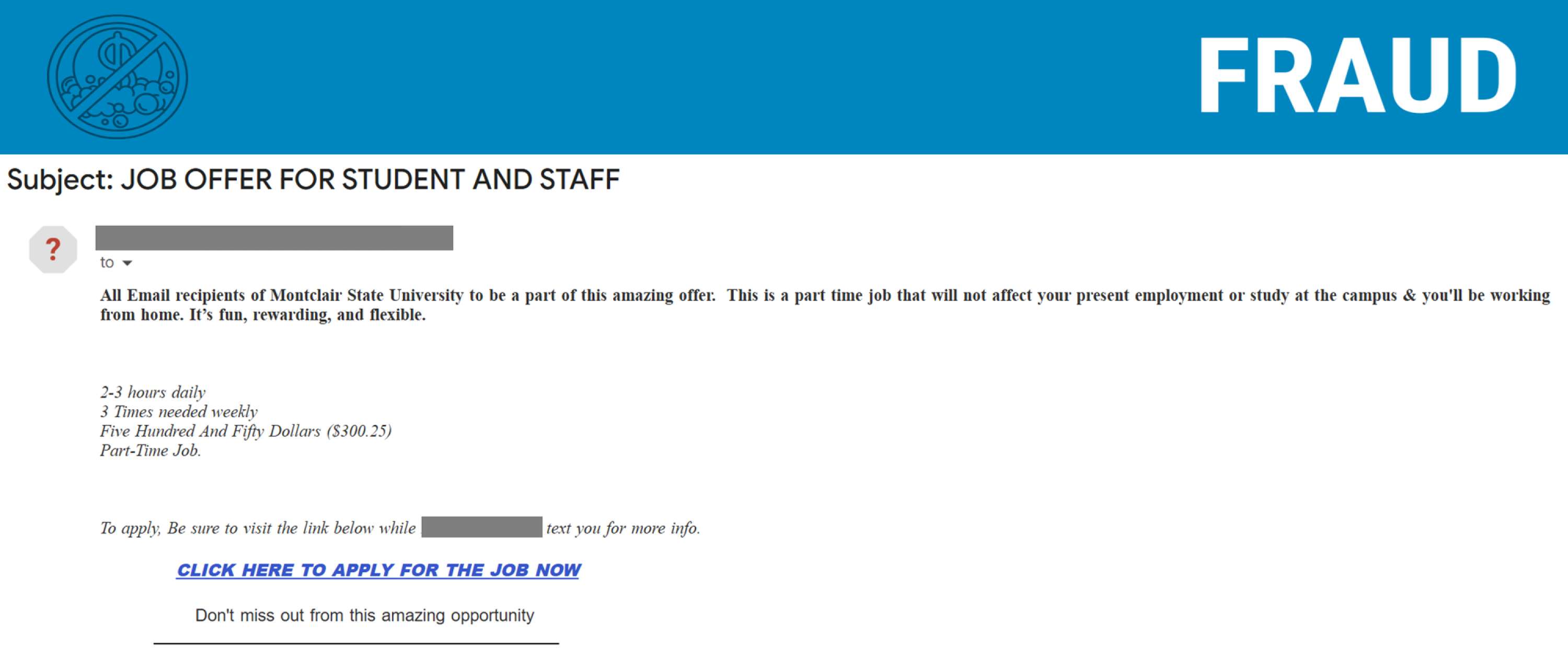
“Too Good to Be True” Job Offers
Students are often targeted with fake job postings or research opportunities that promise easy money in exchange for minimal effort—or personal information.
How to Start the Year Securely
As you settle back into the semester:
-
Slow down and read messages carefully, especially urgent ones
-
Hover over links before clicking to verify where they really go
-
Never share passwords or approve MFA requests you didn’t initiate
-
When in doubt, report suspicious messages via the Phish Alert Button (PAB)