
Gain Professional Experience – Work Remotely with Montclair State
Posted in: Spear Phishing
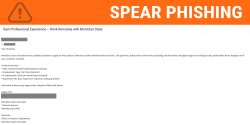
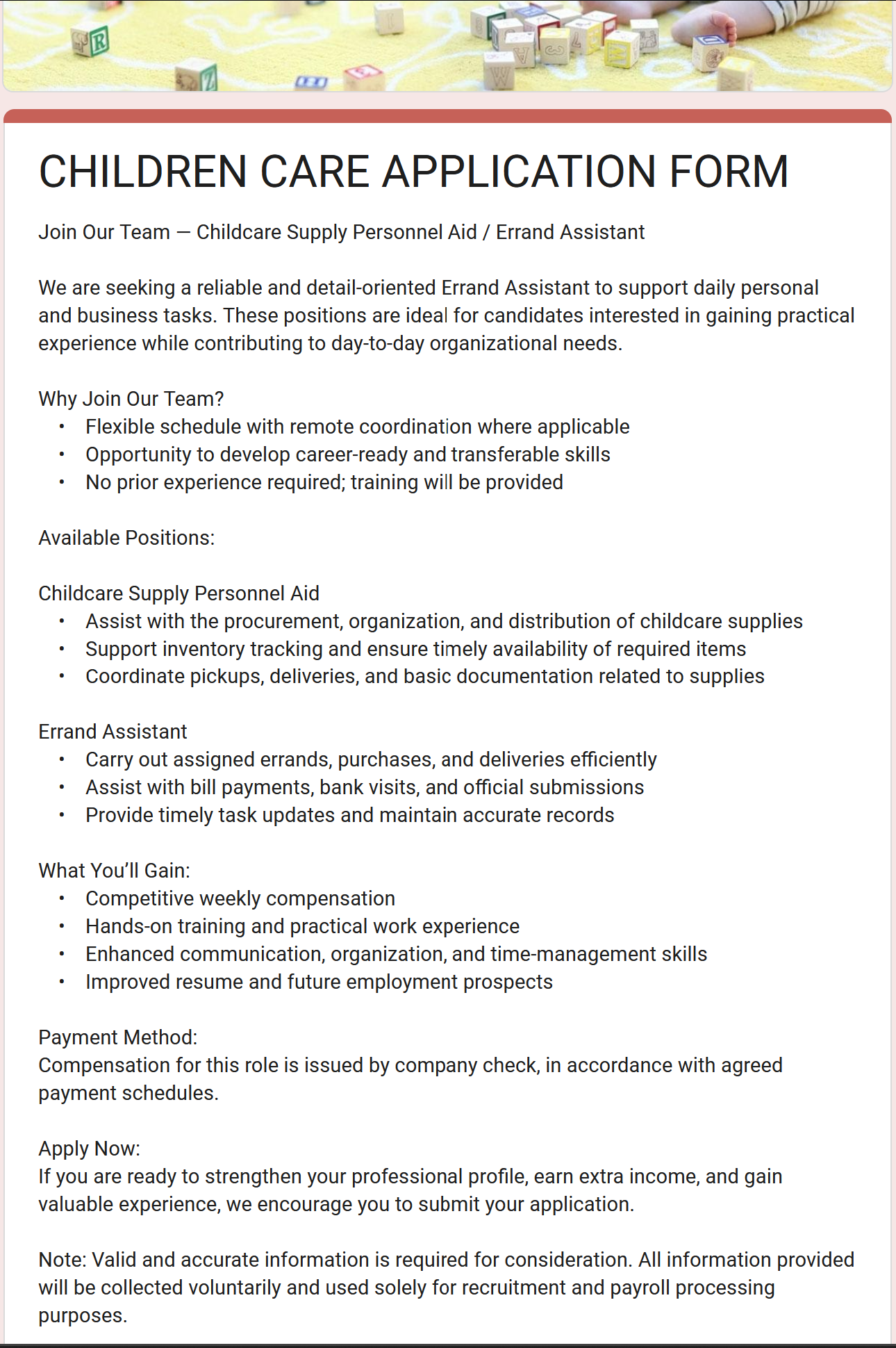
Why this looks valid:
- Professional Branding: It uses the university name, address, and an official-sounding department (e.g., “Office of Career Services”).
- Appealing Terms: It offers a high weekly pay ($545) for “flexible, remote work” with no experience required—exactly what a busy student wants.
Why this is phishing?
-
External Senders: If the “From” address doesn’t end in Montclair’s official domain, @montclair.edu, it is a scam.
- Attackers will also use multiple subject lines but the same email to get more hits.
-
The “Switch” Tactic: Attackers often email you from one address and then have a “different” person contact you via a personal email (Gmail/Yahoo) to “onboard” you. This is a tactic to bypass school security filters.
-
Inappropriate Questions: A legitimate job application will never ask for your bank’s mobile deposit limit or your gender and age on an initial form.
-
Form Use: Real university jobs are processed through official HR portals, not generic Google Forms or suspicious external links.
Information the Scammer is After
-
Personal Identity: Full Name, Age, Gender, and Address.
-
Financial Access: Your bank name and Mobile Deposit Limit. (This is a huge red flag—they ask this so they can send you a “fake check” and have you send them back “change” before the bank realizes the check is forged).
-
Direct Contact: Your cell phone number, used to move the scam to text/WhatsApp where it is harder for IT to track.
- All Montclair job offers are available directly through Handshake.
Immediate Steps to Take
- Do Not Click: Avoid clicking any links or copying/pasting the URL.
- Report the Email: Use the Phish Alert Button (PAB).
If You Already Clicked or Entered Credentials
-
Contact Your Bank: If you provided your bank name or deposit limits, alert your bank’s fraud department immediately.
-
Secure Your Identity: Since you provided your address and phone number, be on high alert for increased spam, “verification” texts, or suspicious mail.
-
Change Passwords: If you provided your Montclair or personal email password, change them across all platforms immediately.
-
Cease Communication: If the scammers text or email you from a new address, do not respond. Block the numbers and addresses immediately.
-
Report the Email: Use the Phish Alert Button (PAB). Letting IT know about the situation can help us protect others from the same attack.
Additional Notes:
- Remember: Information Technology will never text you. We will also never request your password or Duo codes, ever.
- Do you think you’ve fallen for a scam? Did you share personal information? Downloaded malicious content? Please contact the IT Service Desk at 973-655-7971 option 1 or email itservicedesk@montclair.edu.
- Use the Knowbe4 Phish Alert Button (PAB) to report malicious emails directly to the Information Security team for review. If you are not using the Gmail client please forward the email to phishfiles@montclair.edu.
- Always use the “hover over” technique to check web links before clicking! For more security tips please visit our Security Tips page.