
ACADEMIC OFFER
Posted in: Phishing
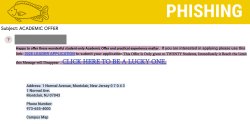
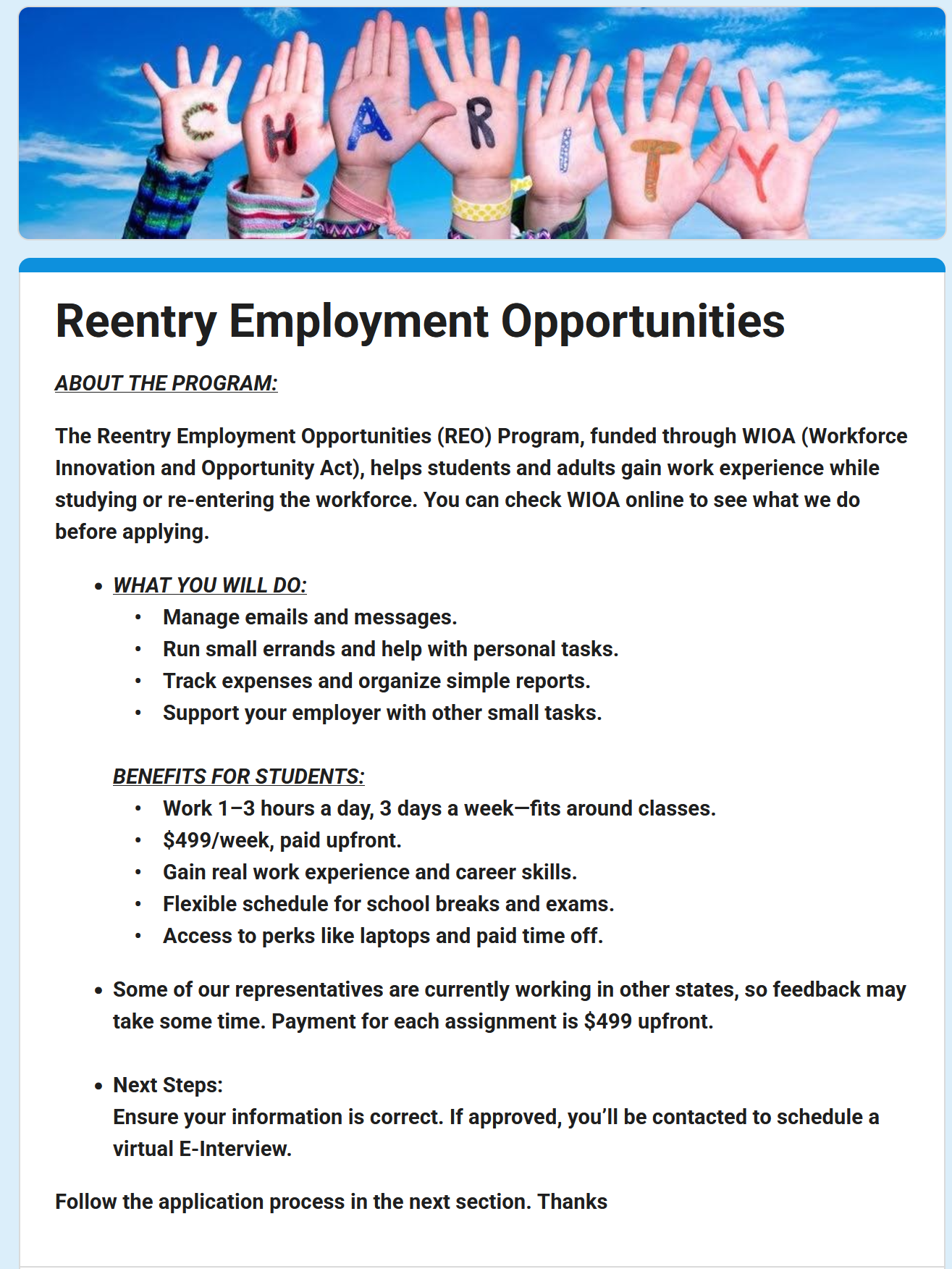
Scammers are sending emails advertising exclusive academic opportunities or leadership programs for students. These messages attempt to create excitement and urgency to trick recipients into clicking malicious links or submitting personal information.
Why This Email May Look Legitimate
-
Promotes a student-focused academic or leadership opportunity
-
Claims the offer is limited to a small number of students
-
Includes what appears to be official Montclair address information
-
Uses application-style language that feels career or academically beneficial
-
Appears to come from a real Montclair email account (in this case, a compromised account)
Signs This Email Is Phishing
-
Contains awkward wording, grammar issues, and inconsistent capitalization
-
Uses urgency and exclusivity tactics like:
-
“Only given to TWENTY Students”
-
“This Message will Disappear”
-
“Be a lucky one”
-
-
Encourages clicking embedded links instead of directing users to official university websites
-
Displays university address details with unusual formatting (ex: spaces added between ZIP code numbers like 1 2 3 4 5 6 7 8)
-
Links may redirect users to malicious sites designed to steal login credentials or personal information
Risks of Clicking the Link
Submitting information through these links may allow attackers to:
-
Steal university login credentials
-
Collect personal or academic information
-
Send phishing emails from the compromised account to others on campus
-
Conduct financial or identity-related scams
-
Spread additional phishing or malware attacks
How To Protect Yourself
-
Be cautious of unsolicited academic or job opportunity emails
-
All Montclair job offers are available directly through Handshake
-
Avoid clicking links in unexpected emails
-
Check sender addresses carefully — even messages from internal accounts can be compromised
-
Report suspicious messages using the Knowbe4 Phish Alert Button (PAB)
Additional Notes
- Remember: Information Technology will never text you. We will also never request your password or Duo codes, ever.
- Information Technology will not ask you to verify accounts or submit passwords through unofficial forms or unexpected email links.
- Do you think you’ve fallen for a scam? Did you share personal information? Downloaded malicious content? Please contact the IT Service Desk at 973-655-7971 option 1 or email itservicedesk@montclair.edu.
- Use the Knowbe4 Phish Alert Button (PAB) to report malicious emails directly to the Information Security team for review. If you are not using the Gmail client please forward the email to phishfiles@montclair.edu.
- Always use the “hover over” technique to check web links before clicking! For more security tips please visit our Security Tips page.