
This public gallery showcases instructional strategies and course design methodologies used in online, hybrid, and in-person courses, as well as professional development courses and campus community groups. Each subpage details the rationale for the strategy, the course it was used in, the instructor who used it, and the technology used. These exemplars are intended to emphasize the strategy used while being as technology agnostic as possible.

Course Introduction Videos
In SPAN103: Intermediate Spanish, Professor Garcia welcomes students with an engaging, personal welcome video.
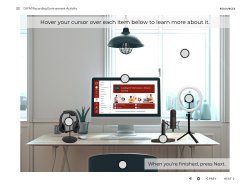
Animated Interactive Materials
Animated interactive materials can help bring your courses to life by making complex topics easier to understand and more engaging for your students.
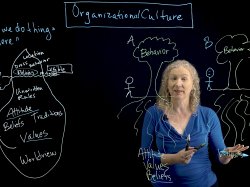
Worked Lightboard Examples
In MGMT327: Training, Development, and Career Planning, Professor Richert uses a lightboard to illustrate key concepts in her course.
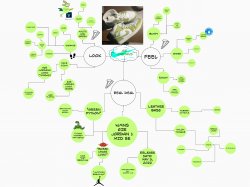
Mind Mapping with Miro
In ARFD102: Drawing as Research, Professor McGuire utilizes mind mapping as means to broaden students’ approach to sketching.

Tablet Capture Videos
In CSIT561: Computer Security, Professor Samanthula uses a tablet to illustrate concepts and equations explained in his lectures.
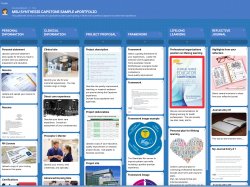
Padlet (ePortfolio)
In NURS640: Nursing Capstone, students build ePortfolios in Padlet, collecting artifacts throughout the semester to address the components.

Weekly “Hook” Videos
In BUGN280: Strategic Business Communications, Professor Yosh created short “hook” videos to engage students on each weekly topic.
Interactive Assessments
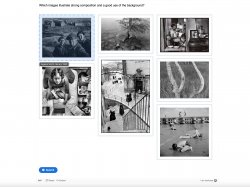
In ARST205: Photography, Professor Adams uses H5P to engage students in a formative assessment of composition activity.

Guided Videos for Online Class
In PEGN230: Personalized Fitness, Professor Redl worked with ITDS to film guided yoga classes for asynchronous online students.
Online Simulations
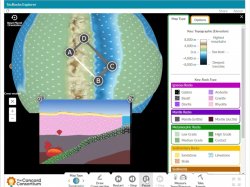
In EAES101: Planet Earth, Professor Galster used simulations of earth processes to engage students in lab activities asynchronously.
DesignPLUS for Canvas
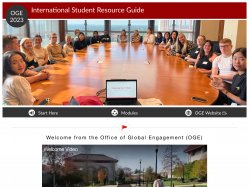
In the International Student Resource Guide, the Office of Global Engagement used DesignPLUS to create and format a communal resource.
Canvas Commons
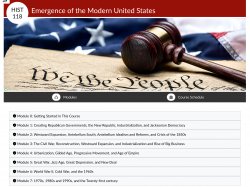
In HIST118: Emergence of the Modern United States, Professor Strickland used Commons to share a standardized course shell to faculty.