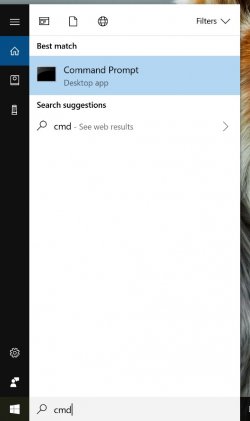
Go to your desktop. Search for “cmd” in start menu and press enter.
Find your MAC Address on your Windows Machine
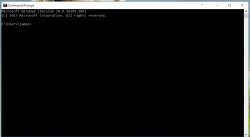
Type “ipconfig/all” in the input field for Command Prompt.
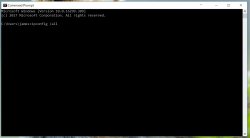
Press Enter
Go to your desktop. Search for “cmd” in start menu and press enter.
Type “ipconfig/all” in the input field for Command Prompt.
Press Enter